

Please join the Discord if you have questions!
Voice chat not installed | ## The GUI You can open the voice chat GUI by pressing the `V` key. This allows you to open the settings, group chats, mute yourself, disable the voice chat, start/stop a recording and hide all icons. 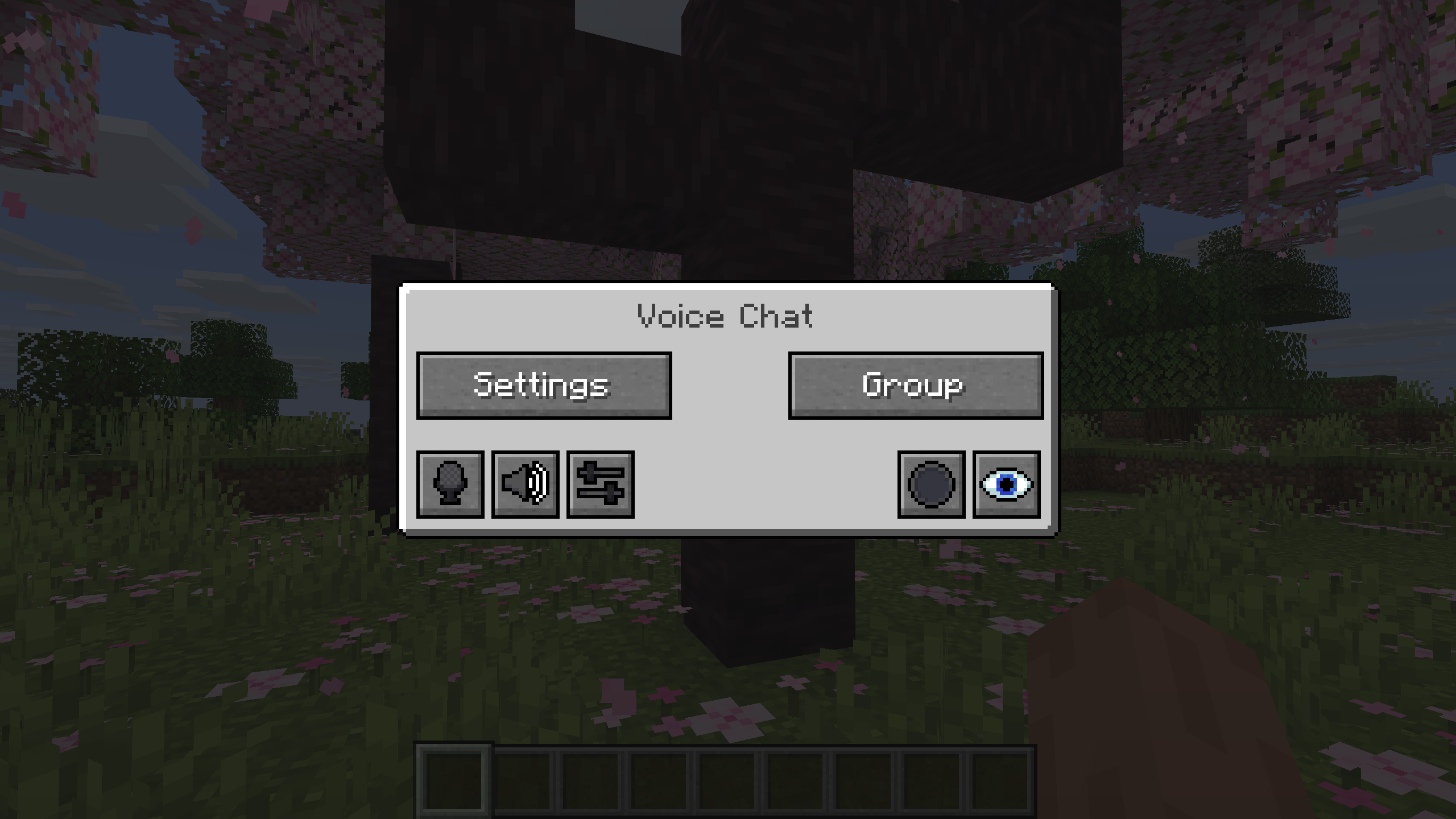 ### Group Chats Group chats allow you to talk to players that are not in your vicinity. To open the group chat interface, either press the group button in the voice chat GUI or just press the group key. To create a new group, just type a name in the text field and press the button at the bottom. 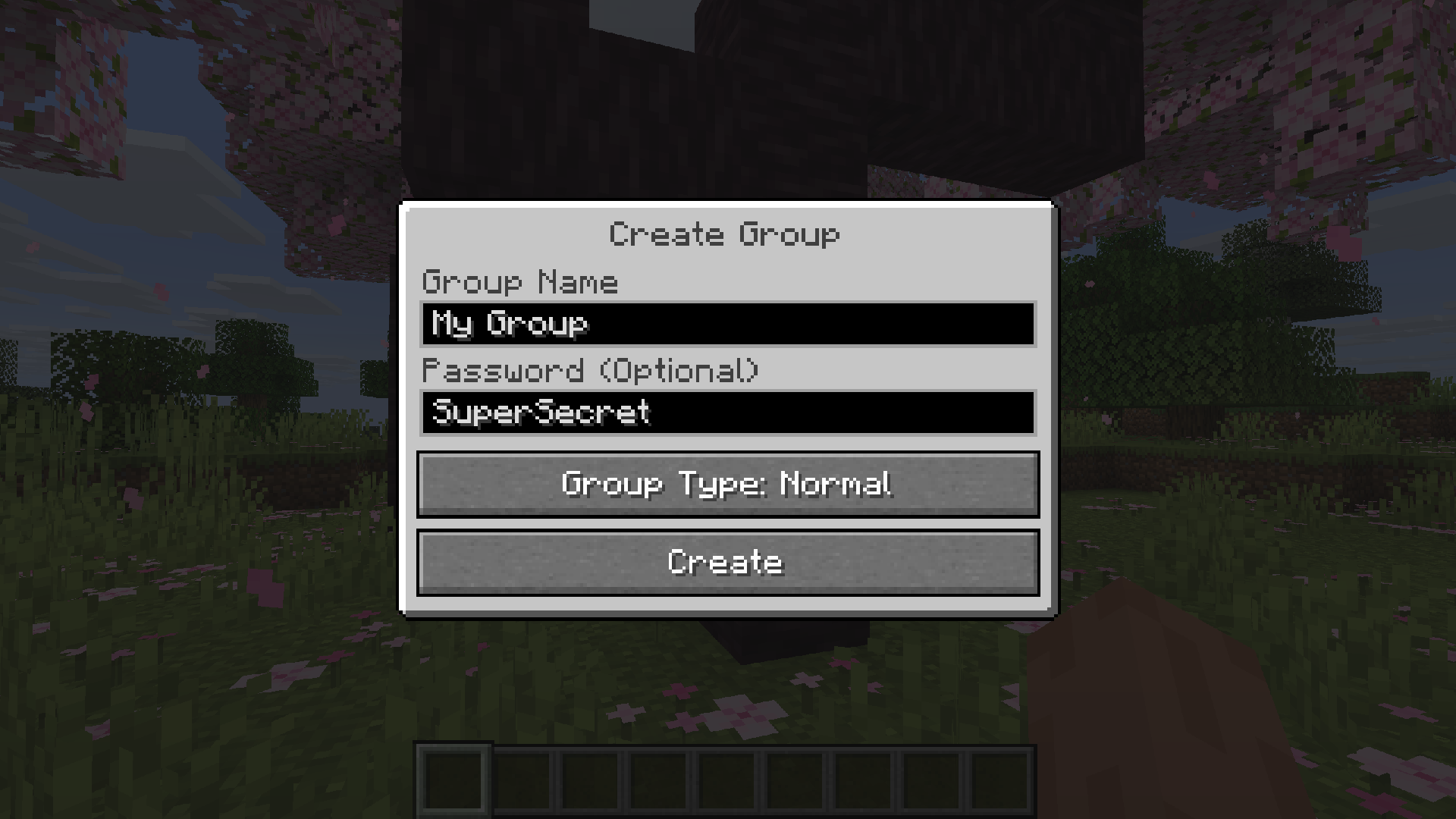 Creating or joining a group will bring you into the group chat interface. You will also see the heads of the group members in the top left corner of your screen. Talking players will be outlined. You can disable these icons by pressing the third button from the left. 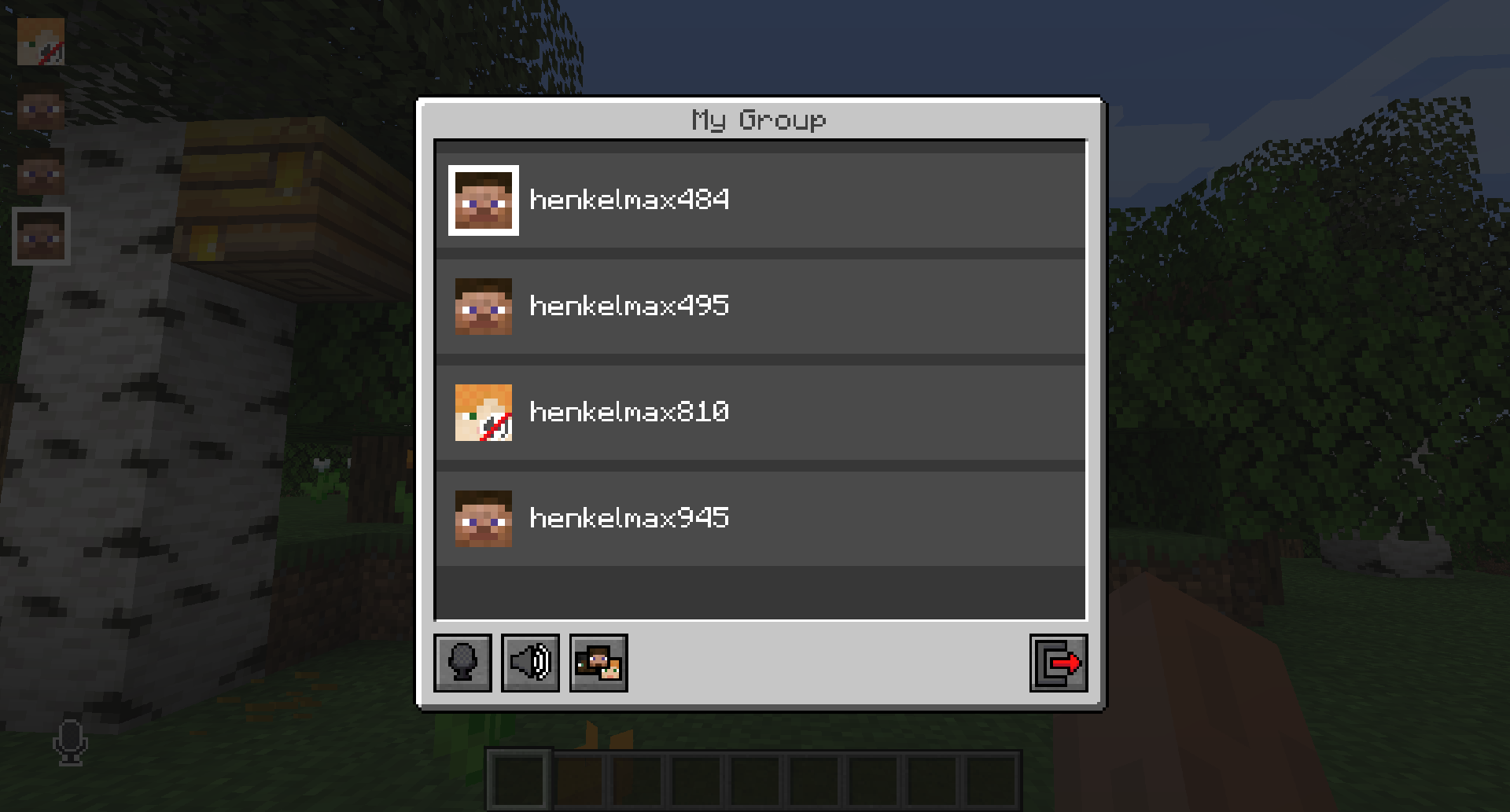 Players that are not in a group will see a group icon next to your head, indicating that you are in a group. You can invite players to your group chat by entering the command `/voicechat invite


